

Defining Inputs
To make new script inputs, add them to the type and set the defaults in the script’s return function.Setting Input Values
To access the input properties in the right sidebar of the editor, select your Node or Layout script in the Hierarchy Panel or the Converter in the Data Panel.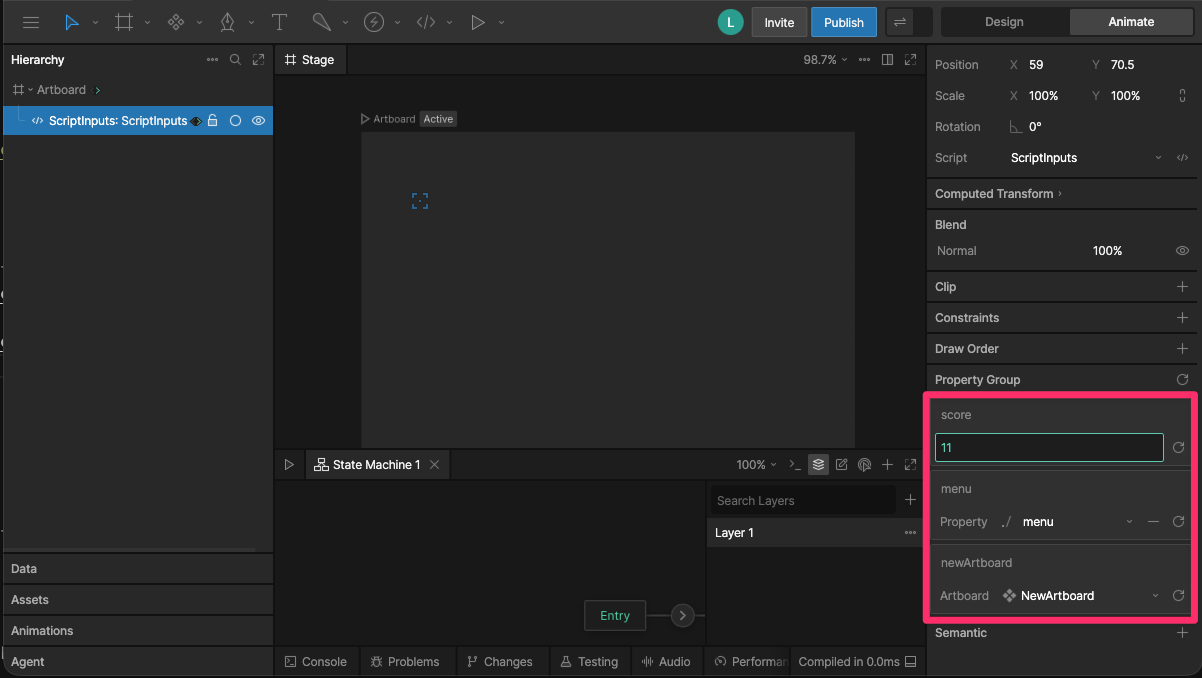
Data Binding Inputs
You can use Data Binding to control input values at runtime. To data bind an input, right-click the input field in right sidebar, choose Data Bind, and select a property.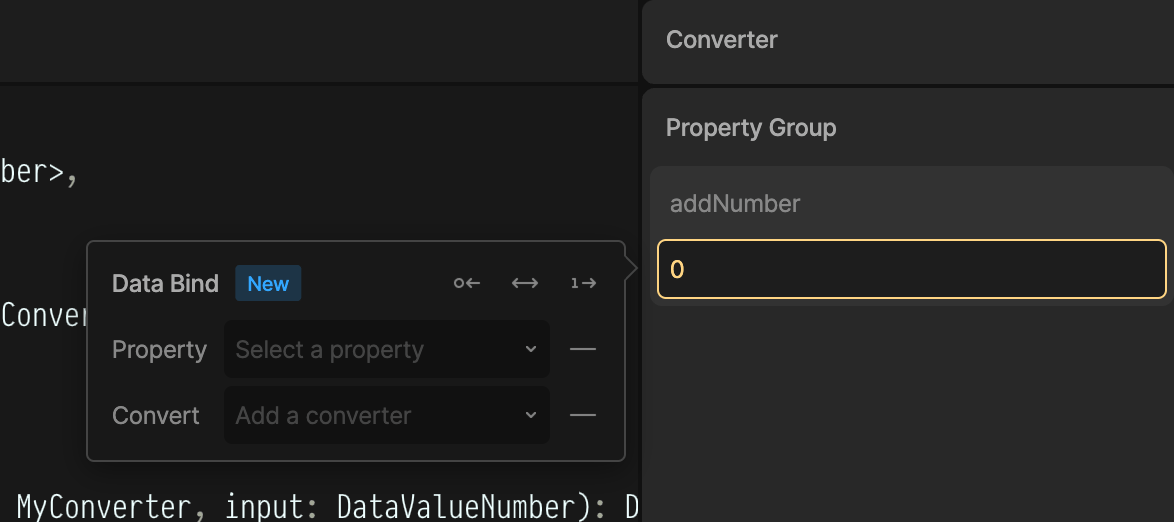
Listening for Changes to Inputs
Theupdate function fires every time any input changes.